Notion MCP lets an MCP client, such as Claude Code, Cursor, or Codex, connect to your Notion workspace through the Model Context Protocol (MCP).

How Notion MCP works

Notion MCP is a remote MCP server hosted by Notion. After you authorize a connection with OAuth, the MCP client can use Notion MCP tools to read and update content that you can access.
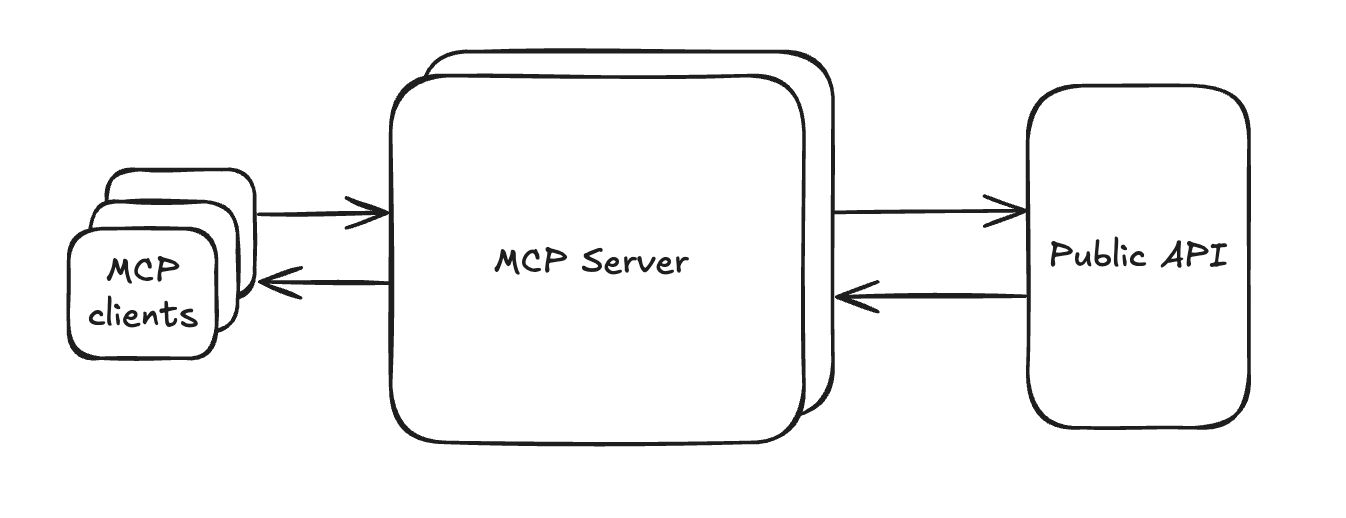
Diagram showing an MCP client connecting to Notion's remote MCP server, which uses the Notion API.

An MCP client connects to Notion's remote MCP server, which uses the Notion API.

What you can do

MCP clients can combine Notion MCP tools to:
  • Search content in Notion and connected sources.
  • Read, create, and update Notion content.
  • Create pages and databases.
See Supported tools for the current tool list, or connect an MCP client.

Admin controls

Workspace owners can manage MCP client access in SettingsConnections. Organization owners can also use the Admin API to list and revoke members’ connections. See Admin controls for MCP in the Notion Help Center for workspace settings and allowlists.