> ## Documentation Index
> Fetch the complete documentation index at: https://developers.notion.com/llms.txt
> Use this file to discover all available pages before exploring further.
# Notion MCP
> Learn how to connect AI agents to your Notion workspace.
Connect your AI tools to Notion using the [Model Context Protocol (MCP)](https://modelcontextprotocol.io/introduction), an open standard that lets AI assistants interact with your Notion workspace.
## What is Notion MCP?
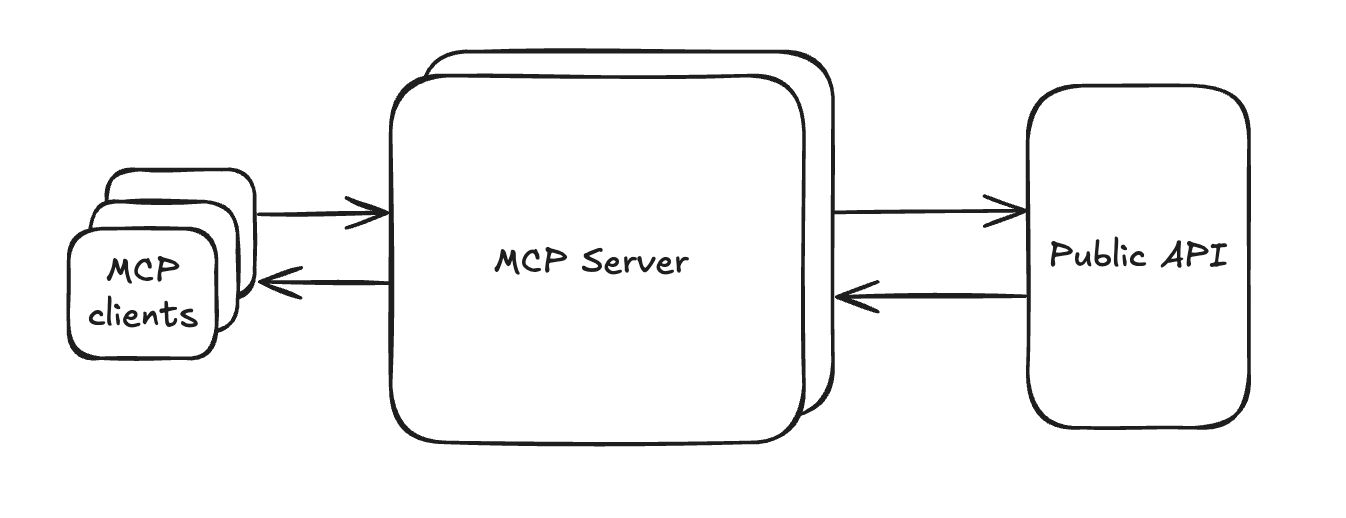
Notion MCP is our hosted server that gives AI tools secure access to your Notion workspace. It's designed to work seamlessly with popular AI assistants like Claude Code, Cursor, VS Code, ChatGPT, and more.
 ### Why use Notion MCP?
* **Easy setup** — Connect through simple OAuth, with one-click installation for supported AI tools
* **Full workspace access** — AI tools can read and write to your Notion pages just like you can
* **Optimized for AI** — Built specifically for AI agents with efficient data formatting
### What can you do with Notion MCP?
* **Create documentation** — Generate PRDs, tech specs, and architecture docs from your research and project data
* **Search and find answers** — Let AI search across all your Notion and connected workspace content
* **Manage tasks** — Generate code snippets from task descriptions and update project status automatically
* **Build reports** — Create release notes, project updates, and performance reports from multiple sources
* **Plan campaigns** — Generate comprehensive briefs and track progress across marketing channels
### Why use Notion MCP?
* **Easy setup** — Connect through simple OAuth, with one-click installation for supported AI tools
* **Full workspace access** — AI tools can read and write to your Notion pages just like you can
* **Optimized for AI** — Built specifically for AI agents with efficient data formatting
### What can you do with Notion MCP?
* **Create documentation** — Generate PRDs, tech specs, and architecture docs from your research and project data
* **Search and find answers** — Let AI search across all your Notion and connected workspace content
* **Manage tasks** — Generate code snippets from task descriptions and update project status automatically
* **Build reports** — Create release notes, project updates, and performance reports from multiple sources
* **Plan campaigns** — Generate comprehensive briefs and track progress across marketing channels